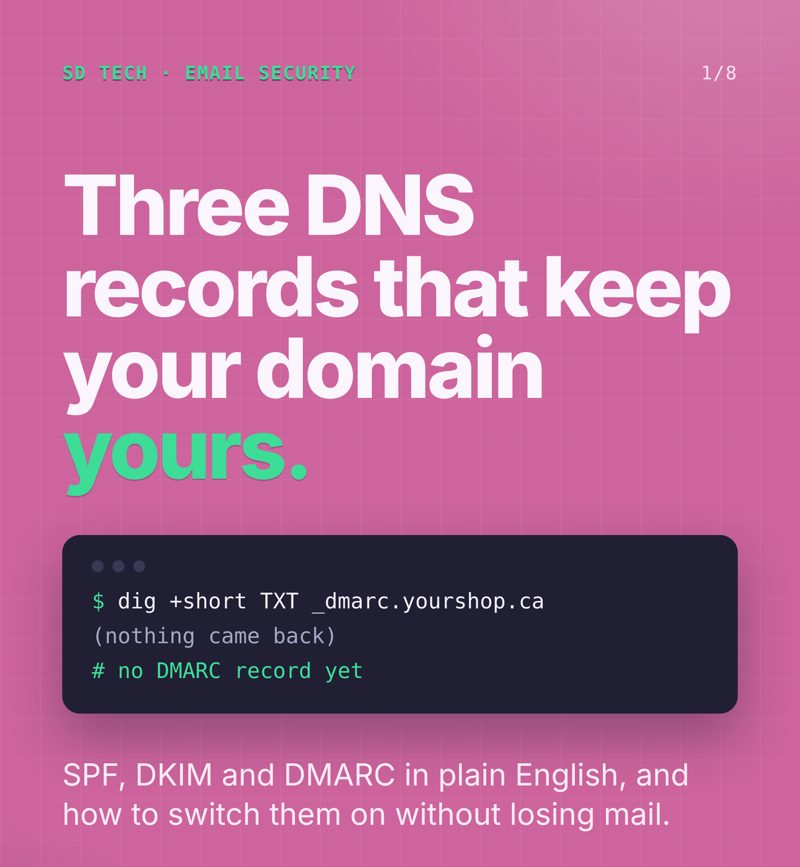
If customers keep finding your invoices in their junk folder, the invoice usually isn't the problem. The problem is three small records on your domain. Other mail servers read them to decide whether a message really came from you.
What the receiving server checks
When your email reaches a customer's mail server, the server looks up three records on your domain:
- SPF (Sender Policy Framework): the list of servers allowed to send email for your domain.
- DKIM (DomainKeys Identified Mail): a signature added to each message. It proves the message wasn't changed on the way and came from a system you approved.
- DMARC: your instruction for what to do when SPF and DKIM don't match the address in the From line, and where to send reports about it.
When the checks pass, the server treats your message as yours. When they fail, or the records are missing, the filter has to guess. An invoice with a link and an attachment looks a lot like the scams those filters are built to catch.
Why this got stricter
The big mailbox providers now put this in writing:
- Gmail. Since February 2024, Google has required anyone sending close to 5,000 or more messages a day to personal Gmail accounts to sign with both SPF and DKIM. They also need a DMARC record (at least "p=none"), and SPF or DKIM must line up with the From address.
- Outlook.com, Hotmail and Live. Microsoft brought in similar rules on 5 May 2025 for senders of 5,000 or more messages a day. Mail that falls short is refused with the error "550 5.7.515".
A small shop sends nowhere near 5,000 emails a day. But the filters are tuned around these rules, and mail that passes all three checks has an easier time everywhere.
Where small businesses get it wrong
- Something sends mail "as you" that isn't listed. Your mailbox is covered. The website contact form, the invoicing or job software, the quoting tool and the newsletter service often are not.
- Two SPF records. A domain may publish only one SPF record. With two, the check returns an error, and many receivers treat that as a fail.
- Too many lookups. SPF allows at most 10 DNS lookups. Every "include" for another service uses some of them, and going over the limit breaks the record.
- DKIM never switched on. Microsoft 365 and Google Workspace both support DKIM, but it often has to be turned on for each domain.
- DMARC set to "reject" on day one, before anyone has read a report. That's how a legitimate system's email quietly disappears.
- A free address on the invoices. If your invoices come from a gmail.com or hotmail.com address, none of this helps. You can't publish records for someone else's domain. Move to an address on your own domain first.
The afternoon fix
- List everything that sends mail as your domain: mailboxes, the website form, the invoicing or job software, the newsletter tool, the copier that scans to email.
- Put all of them in one SPF record, and keep it under the lookup limit.
- Turn on DKIM for every sender that supports it.
- Publish DMARC with "p=none" and a reporting address. You start getting reports without blocking anything.
- Read two weeks of reports. When every legitimate sender passes, move to "quarantine", then to "reject".
- Test it. Send a message to a Gmail address and open "Show original". It shows SPF, DKIM and DMARC as PASS or FAIL.
For most small businesses this is an afternoon of work. The time goes into the list in step 1, not the records.
What to ask your IT person
- Can you show me our SPF, DKIM and DMARC records, and which systems each one covers?
- Who reads the DMARC reports, and how often?
- When we add a new app that sends email, who updates the records?
Sources
- Google, Email sender guidelines FAQ
- Microsoft, Outlook's new requirements for high-volume senders
- IETF, RFC 7208: Sender Policy Framework (one SPF record per domain; the 10-lookup limit)
I check these records in every free IT check-up. If you run a trades office or small business in the Fraser Valley and want a second set of eyes, book one at sd-techsolutions.com.
Transcript
SPF, DKIM and DMARC, in plain English. SPF lists the servers allowed to send email for your domain. DKIM signs each message, so the receiver can tell it wasn't changed on the way. DMARC tells the receiver what to do when those checks fail, and sends you reports. Start DMARC at p=none. Read the reports. When every real sender passes, move to quarantine. For a free one-hour IT check-up, email me through sd-techsolutions.com.
This started as a LinkedIn post. Join the conversation there.