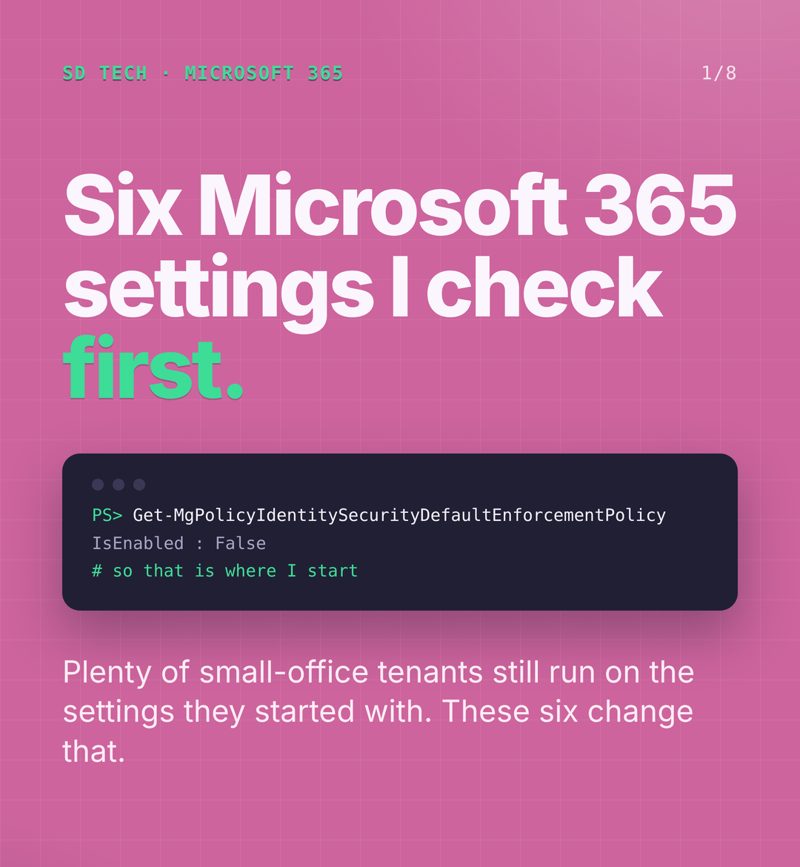
If I could change one setting in every small business's Microsoft 365, it would be this one: two-step sign-in, required on every account. Not offered. Required.
Why this one comes first
Passwords leak. Someone types theirs into a fake sign-in page, or reuses one that turned up in another site's breach. With a second step (a prompt in an app, a code or a security key), a leaked password on its own isn't enough to get in.
It is also the cheapest security work there is. It costs nothing on any plan, and cyber insurance applications ask about it.
"Every account" means every account
When I look at a Microsoft 365 setup, the gaps are rarely on the owner's account. They're on the accounts nobody thinks about:
- The shared mailbox. Nobody should sign in to it directly. Block its sign-in, and give people access through their own accounts.
- The person who left in the spring. Their account is often still active, still forwarding mail, and nobody watches its sign-ins.
- The admin account. It should be the best protected account in the business, not the least.
- The service account someone set up for a scanner or an app years ago.
What I look for
- Two-step sign-in required for everyone, through security defaults or Conditional Access.
- An authenticator app or a security key rather than text messages, where people will accept it. Text messages are better than nothing.
- Admin rights on a separate admin account, used only for admin work, never for reading email.
- One emergency admin account for the day the main one is locked out, protected by a long password and a security key, both stored safely offline.
- Older sign-in methods turned off. Some old email apps can't do two-step sign-in, so they quietly bypass it.
- Leavers blocked on their last day, with their sessions signed out and their mail handed to someone else.
You don't need a bigger plan
Every Microsoft 365 tenant has security defaults, at no cost. They require everyone to register a second step, ask admins for it every time, and block the older sign-in methods that can't use it.
Conditional Access comes with Business Premium. It adds rules by device and location, such as "only from company laptops". It's worth having, but it isn't the place to start. Security defaults are.
Microsoft already requires it for admins
Microsoft now requires two-step sign-in for its admin tools:
- Since October 2024: the Azure portal, the Microsoft Entra admin centre and the Intune admin centre.
- Since February 2025: the Microsoft 365 admin centre.
- Since 1 October 2025: changes made through the command-line and PowerShell admin tools.
If your admin account still signs in with a password alone, those tools will stop it. Better to set up the second step on your own schedule than during an outage.
How to check yours in ten minutes
- List the admins. Who holds Global Administrator? Keep it to a small number of named people, plus the emergency account.
- Check registration. The Entra admin centre shows which users have registered a second step. Anyone missing is the gap.
- Check the shared mailboxes and former staff. Sign-in should be blocked on both.
- Look at the sign-in logs. Sign-ins that used only a password show you where the policy isn't reaching.
What to ask your IT person
- Is two-step sign-in required for every account, or only offered?
- Who has admin rights, and are they separate accounts?
- Where is the emergency admin account, and when did someone last test it?
Sources
- Microsoft Learn, Mandatory multifactor authentication for Azure and admin portals
- Microsoft Learn, Security defaults in Microsoft Entra ID
Two-step sign-in is the first thing I look at in a free IT check-up. If you run a trades office or small business in the Fraser Valley, book one at sd-techsolutions.com.
This started as a LinkedIn post. Join the conversation there.